- Welcome to Our Store Affilyit Digital
- Mail Us At: support@affilyit.shop

Artificial intelligence is transforming the way we browse the internet. AI‑powered browsers can summarise pages, block harmful sites, automate tasks, and personalise your online experience. But with these powerful features comes a new responsibility: protecting your privacy and staying safe from digital threats.
This guide explains how to stay safe on your new AI browser, what risks to watch out for, and the practical steps you can take to protect your personal data. Whether you’re a beginner or a tech‑savvy user, these tips will help you browse with confidence.
AI browsers use machine learning to analyse websites, predict user behaviour, and offer smart suggestions. While this improves convenience, it also means your browser may process more personal information than traditional browsers.
That’s why AI browser safety is essential. Without proper settings and awareness, your data could be exposed to:
AI tools are powerful, but they must be used responsibly to ensure your privacy remains protected.
Most AI browsers come with built‑in privacy controls. However, many users leave them at default settings, which may not offer maximum protection.
These simple adjustments significantly improve your online privacy protection.
Weak passwords are one of the biggest security risks. AI browsers often include password‑saving features, but you must use them wisely.
This reduces the chances of account hacking and identity theft.
AI can be used for good—but cybercriminals also use it to create realistic scams. Fake websites, AI‑generated emails, and deepfake messages are becoming more common.
Staying alert is one of the strongest defences against modern cyber threats.
Outdated software is a major security risk. Updates often include patches for newly discovered vulnerabilities.
This ensures your browser stays secure against evolving threats.
Your AI browser can only protect you to a certain extent. If your network is unsafe, your data is still at risk.
Avoid public Wi‑Fi when accessing sensitive accounts.
Use a reputable VPN to encrypt your connection.
Secure your home router with a strong password and updated firmware.
A secure connection is the foundation of safe browsing.
AI features often request access to your browsing history, preferences, or personal files. While some access is necessary, oversharing can compromise your privacy.
Always stay in control of what information you share.
AI browsers can be targeted by new types of cyberattacks, including:
Understanding these risks helps you avoid them more effectively.
Your browsing history, cookies, and cached files can reveal a lot about you. Clearing them regularly helps maintain privacy.
This reduces tracking and improves browser performance.
Your new AI browser is a powerful tool—but its safety depends on how you use it. By following these AI browser security tips, you can protect your personal data, avoid scams, and enjoy a safer, more private online experience.
Staying informed is the first step toward staying secure. With the right habits, you can browse confidently and make the most of what AI technology has to offer.
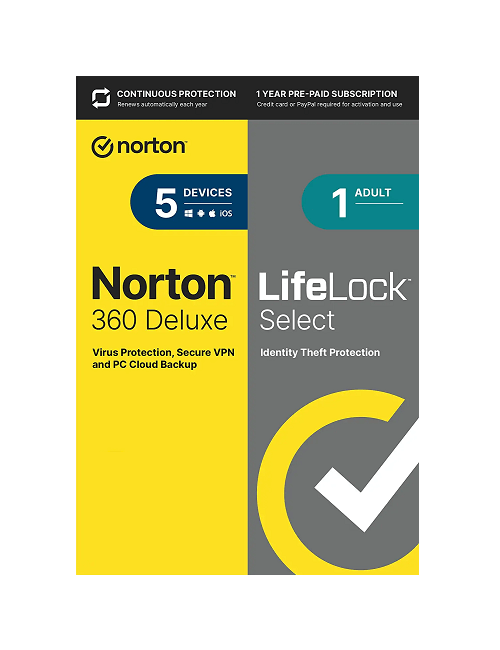
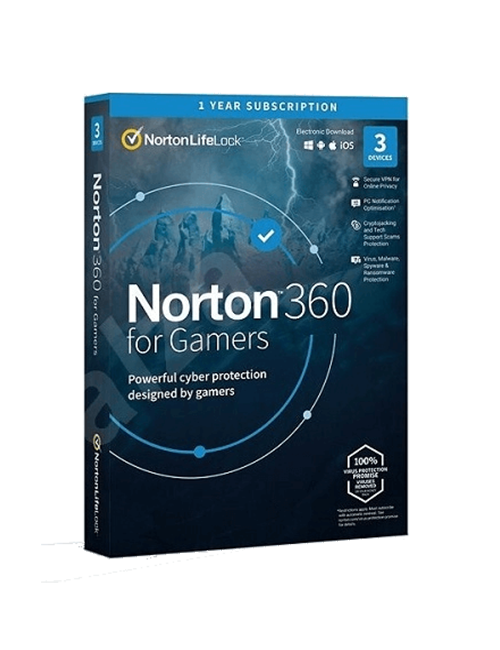
Disclaimer: Affilyit Digital is an independent online store that provides authentic antivirus license keys. We provide original products such as Norton Antivirus, Norton Security, Norton 360, and LifeLock Ultimate Plus, with all licenses delivered quickly and securely by email for easy, contact‑free access. All trademarks, logos, brand names, product names, and images are used only for identification purposes, and all rights belong to their respective owners. We maintain transparent pricing and follow consumer protection guidelines, including the FTC’s Mail, Internet, or Telephone Order Rule. For product‑related help or support, please visit the official website at www.norton.com.